June 5, 2026
The best Facebook and Instagram comment moderation tools for brands and agencies in 2026. Compare features, pricing, platforms, and AI capabilities.
Apr 27, 2026
Instagram comment filters seem useful but break down fast for brands running ads. Here is how to set them up, where they fail, and what to do instead.

Instagram's built-in comment filter seems like the obvious fix for spam. You type in a few bad words, flip a switch, and expect clean comment sections. For personal accounts with modest traffic, it works well enough. But if you're a Shopify brand running Facebook and Instagram ads, the instagram comment filter will let you down fast. Here is exactly how to set it up, where it breaks, and what to do instead.
Instagram gives you two layers of comment control. The first is automatic: Instagram hides comments it detects as offensive, using its own machine learning models. The second is manual: you build a list of keywords, and any comment containing those words gets blocked or hidden.
There is also a setting to hide comments that Instagram deems "inappropriate," which is separate from your custom keyword list. You can choose to block comments entirely, limit them to people you follow, or allow everyone but filter specific terms.
The instagram comment spam filter sounds powerful on paper. In practice, it is a blunt instrument. It matches exact words and phrases. It does not understand context, intent, or the difference between a real customer question and a bot pasting the same promo link across 50 posts.
If you want to know how to turn on instagram comment filter settings, here is the full walkthrough. These steps apply to both personal and business accounts as of 2026.
On mobile (iOS and Android):
On desktop:
For business accounts connected through Meta Business Suite, you can also manage comment settings at the page level. This applies the same filter across both Facebook and Instagram. It is slightly more convenient, but uses the same keyword matching logic underneath.
That is the complete setup. It takes about two minutes. The problem starts the morning after.
The instagram keyword filter has three hard limitations that Instagram does not advertise.
It only matches exact strings. If you block "free iPhone," a comment saying "free iphone" (lowercase) gets caught. But "free i-phone," "freeiphone," or "fr33 iphone" sail right through. Spammers know this. They rotate characters specifically to dodge keyword lists.
There is a cap on how many keywords you can add. Instagram limits your custom word list to roughly 1,000 entries. That sounds like a lot until you start cataloging every variation of every spam phrase targeting your ad comments. Emoji spam, unicode lookalikes, and abbreviated URLs eat through that budget fast.
Filters apply globally, not per post or per ad. You cannot set a strict filter on your active ad posts while keeping a lighter touch on organic content. One list rules everything. For brands running multiple ad campaigns with different audiences and different spam patterns, this is a real problem.
Here is where the gap between "works for creators" and "works for ecommerce brands" gets wide.
When you run Instagram ads, your posts get exposed to audiences far beyond your followers. That is the point. But it also means your comment sections become targets for a specific kind of spam that personal accounts never see: competitor links, dropshipping recruiters, fake giveaway bots, and angry ad-relevance comments designed to drag down your engagement metrics.
A brand spending $10,000 a month on Meta ads might get hundreds of comments per ad. Many are real customer questions: "Is this in stock?" or "Does this ship to Canada?" Those are the comments you want to keep and respond to fast. Mixed in are spam comments that look almost legitimate. A keyword filter cannot tell the difference.
The result is one of two bad outcomes. Either your filter list is too aggressive and hides real customer comments (hurting engagement and trust), or it is too loose and spam clutters every ad post (hurting conversion rates and brand perception). There is no sweet spot with a static keyword list at scale.
Instagram comment moderation for ad-active brands is not a set-and-forget task. It becomes a daily maintenance burden. Someone on your team has to manually review hidden comments, update the keyword list, and spot new spam patterns before they spread. That is a person doing work a machine should handle.
Spam is not static. It evolves. Here is what that evolution looks like for a typical Shopify brand running Meta ads.
Week one: You notice a few "DM me for collab" comments on your ad posts. You add those phrases to your keyword filter. Problem solved, or so you think.
Week three: The same spam comes back with slight variations. "Dm me 4 collab," "DM for promo," "Interested? Check my page." Each variation requires a new keyword entry.
Week six: Emoji spam appears. 🔥👇, 👈👆, 🤑💯. You cannot add every emoji combination to a keyword list. Your filter starts looking like swiss cheese.
Week ten: The spam gets smarter. Bot accounts copy real customer language. "Love this! Check out [link]" looks almost genuine. Your keyword filter has no way to evaluate whether the comment is authentic or not.
By this point, your filter list is long, messy, and still missing half the spam. Your team is spending 30 to 60 minutes a day moderating comments manually. For brands running multiple active ads, that number can double or triple.
The cost is not just time. Unmoderated spam under paid ads directly hurts performance. Meta's algorithm factors comment quality into ad delivery. Spam-heavy comment sections can reduce your relevance score, which means higher CPMs and lower reach for the same spend.
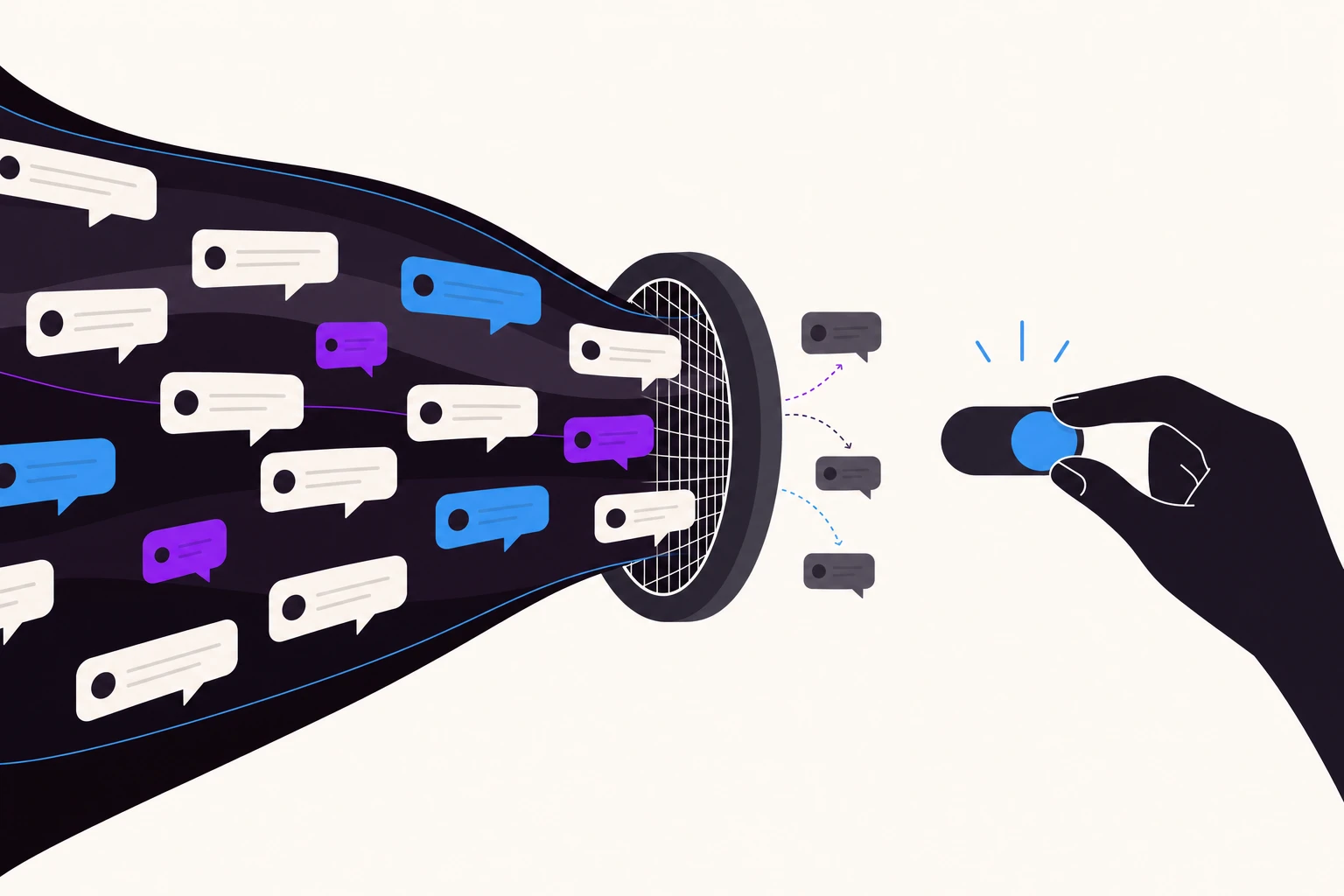
The core issue with Instagram's built-in filter is that it matches words, not meaning. It does not know if a comment is spam. It only knows if a comment contains a word you told it to block.
A better system reads intent. It can tell the difference between "I want this, where do I order?" and "I want this, check my bio for a better deal." Both contain similar language. One is a customer. One is a spammer. Keyword matching will never separate them.
For Shopify brands spending significant budgets on Meta ads, comment moderation needs to do three things that keyword filters cannot:
This is exactly what Superpower was built to do. Instead of matching keywords, it reads the intent behind every comment on your Instagram and Facebook ads. Spam gets hidden automatically. Real customer questions get flagged for response or answered directly via automated DM. Complaints get escalated to your team. All of it runs 24/7 without a keyword list to maintain.
The instagram comment filter is a fine starting point. It handles the obvious stuff. But for brands running real ad budgets, it is not enough on its own. Set it up, use it for baseline protection, and pair it with a tool that understands what the comments actually mean.

Explore expert tips, industry trends, and actionable strategies to help you grow, and succeed. Stay informed with our latest updates.

June 5, 2026
The best Facebook and Instagram comment moderation tools for brands and agencies in 2026. Compare features, pricing, platforms, and AI capabilities.
June 5, 2026
Step-by-step guide to turning off comments on Facebook posts, Pages, Groups, and ads. Updated for 2026 with new Meta settings and Moderation Assist options.

Block toxic comments automatically, respond at scale, and keep your brand safe in real time.