September 2, 2026
They were getting hundreds of comments a week and replying to about 40 of them. This case study covers what changed when Superpower stopped letting the rest go unanswered.
Feb 20, 2026
19 min
Managing direct messages on Instagram can quickly become overwhelming when a business starts getting dozens or hundreds of messages every day.

Managing direct messages on Instagram? It can get out of hand fast if your business starts getting bombarded with dozens or even hundreds every day. Instagram DM automation uses software tools to handle direct messages—sending, receiving, and managing them—so you’re not stuck replying to every single one by hand. This tech lets businesses answer common questions right away, greet new followers, and nudge potential customers toward products or services, all hours of the day.
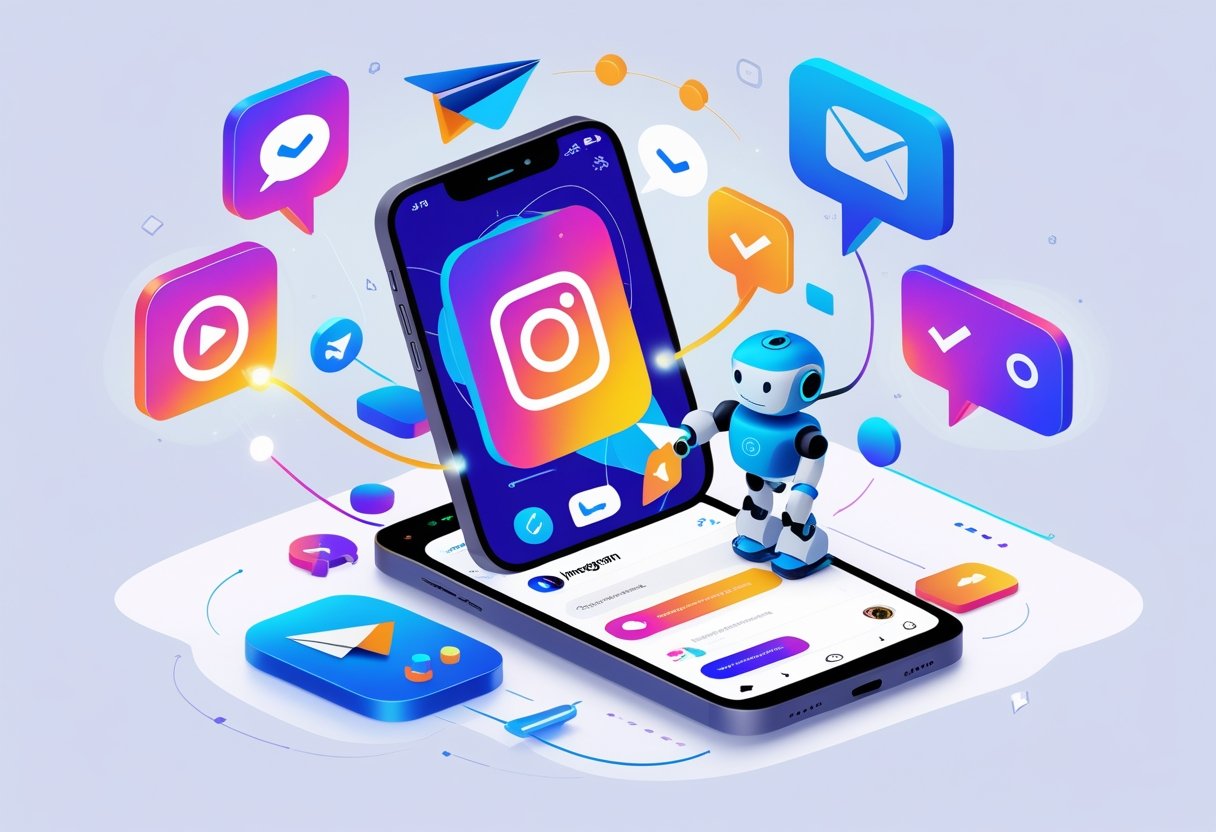
Instagram DM automation tools work by letting you set up triggers and responses—so if someone sends a keyword or takes an action like commenting, the system jumps in. These tools take care of repetitive stuff like answering shipping or pricing questions, which saves you time for more complicated customer chats. You get faster replies and better engagement, and you don’t have to expand your team just to keep up.
To set up automation, you’ll need a Business or Creator account and to connect through Meta’s official API using approved platforms. The best Instagram DM automation tools offer things like keyword triggers, conversation flows, lead qualification, and analytics. When it’s done right, automation keeps things personal while making customer communication way more efficient.
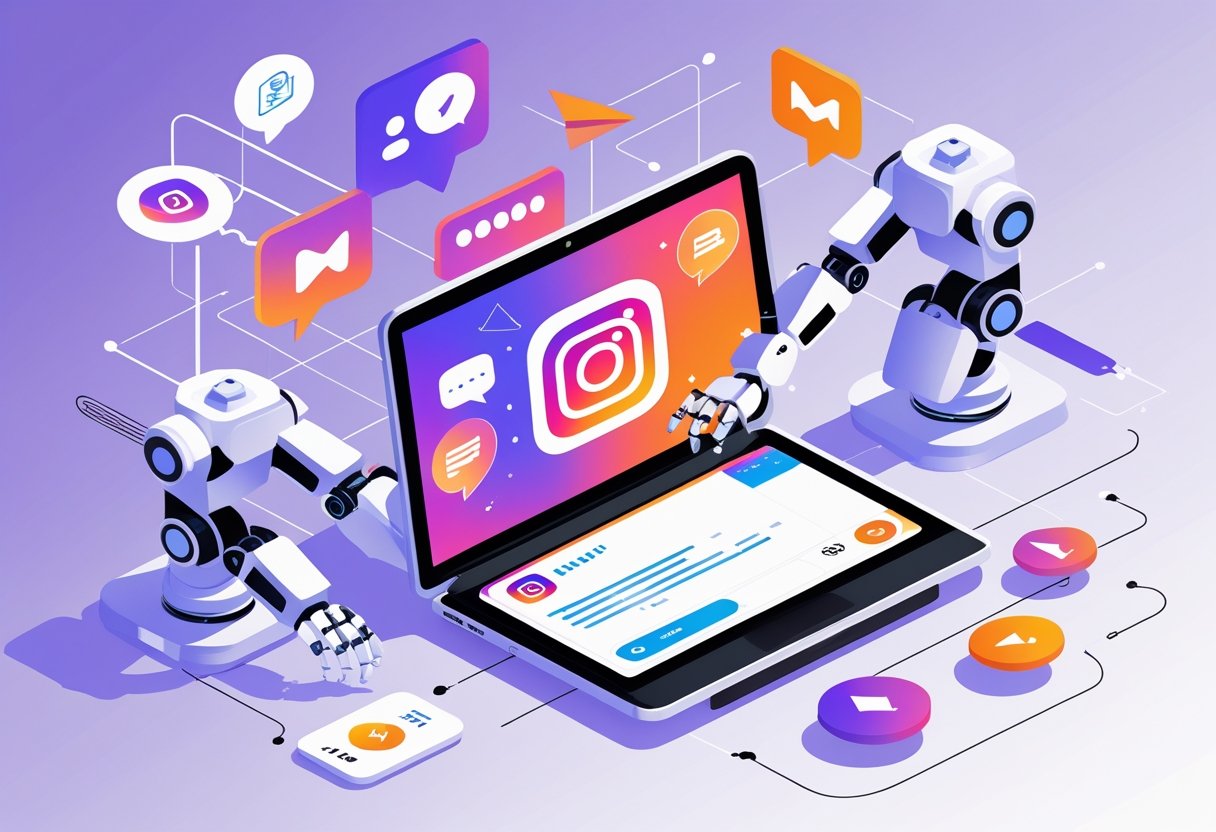
Instagram DM automation is basically software that takes over your DMs so you don’t have to reply to each one by hand. You set up triggers—usually keywords or actions—and the system fires off pre-written responses when those come up.
Instagram DM automation is a tool or software that manages and replies to DMs automatically. It runs on rules you set, so you decide the “when” and “how” of each reply.
An AutoDM tool sends automated DMs to followers or prospects, so you’re not tied to your inbox all day. You can build workflows for those first interactions, triggered by specific actions.
These tools work with Instagram’s API or approved third-party platforms. They hook into your business or creator account, letting you send messages, collect info, and walk users through set conversation paths.
Instagram automated messages use a simple formula: triggers and actions. A trigger could be someone commenting with a keyword, following you, or replying to a story. When that happens, your system sends out a message or starts a conversation flow.
You set up rules based on keywords or behaviors, write out message templates for different situations, and decide what happens next based on how the user replies.
Let’s say someone comments “pricing” on a post. The automation tool notices that and sends them a DM with pricing details. If they reply with another question, the system can either keep going with more automated replies or loop in a human.
DM automation at scale uses keyword detection, conditional logic, and follow-up sequences to keep conversations moving. You can build flows with multiple steps, ask for info, or send people to landing pages.
Time savings is the big one. If you’re getting hundreds of messages daily, you’d need a whole team just to keep up. Automated DM Instagram strategies handle the volume without you glued to your phone.
Response speed goes way up. People on Instagram want answers fast, and automation delivers 24/7. No more scrambling to reply at midnight.
Messaging stays consistent. Everyone gets the same info—no mix-ups, no off-brand replies. Your tone and content stay on point throughout.
Lead generation actually gets easier. You can send lead magnets, discount codes, or webinar links automatically when someone shows interest. Prospects move through your funnel, and you barely have to lift a finger.
Customer service is more efficient too. FAQs like shipping, hours, and pricing are handled instantly, so your team can focus on the trickier stuff.

Getting automation up and running means having a professional account and using approved tools that connect through Instagram’s systems. You’ll need to meet some technical requirements, switch your account type, and set up your automated replies on a compatible platform.
Only business or creator accounts can use Instagram DM automation—personal accounts are out. These account types give you the API access you need.
You’ll have to connect your Instagram account to an automation platform that uses Meta’s official APIs. That keeps you compliant and out of trouble. Tools built on Meta's official APIs give you secure access without risking your account.
The platform will ask for permissions to read messages, send replies, and monitor comments—usually during the first setup. Always double-check that the tool is Instagram-approved before connecting.
Don’t forget: you need a solid internet connection and an active, well-behaved Instagram account. If you’ve had restrictions or violations, you might hit roadblocks.
Switching to a business or creator account is quick. Just tap the three lines in the app’s top right, go to Settings, then Account, and pick “Switch to Professional Account.”
There are two pro account types: Business (for brands and stores) and Creator (for influencers and content folks). Both work fine with automation.
You’ll be asked to pick a category for your account—don’t stress, you can change it later. Connecting a Facebook Page is optional unless you want more features.
Professional accounts unlock extra perks besides automation, like insights on followers and post performance, plus the option to run ads. The Instagram Business Account is your foundation for automation.
With your pro account ready, pick an automation tool and sign up. ManyChat, MobileMonkey, and other Instagram-focused services are popular picks.
Connect your Instagram to the platform—usually just a button click. You’ll go through Meta Business Suite to log in and approve permissions for messages, comments, and profile info.
Next, set up trigger keywords like “price,” “info,” or “interested.” Each trigger links to a specific message that fires off when a user types that word.
Write your automated messages in the platform’s builder. Keep them natural and include what you want the user to do next. Most platforms let you personalize with the recipient’s name or other details.
Always test! Send messages from another account to make sure triggers work, links are good, and the tone feels right. Once you’re happy, turn it on and let it work for your real followers.
Instagram DM automation isn’t just about saving time—it’s about handling repetitive stuff, speeding up replies, and nudging people toward what you want them to do. The best strategies? Welcoming new followers, answering FAQs, and sending responses based on user actions.
Welcome messages greet new followers right after they hit follow. It’s your chance to introduce your brand, set some expectations, and maybe throw in a call-to-action like “check out our latest offer” or “reply with a keyword.”
These work best when they give immediate value. Maybe a fitness coach sends a free workout guide. An online store might offer a discount code. Keep it short and conversational—nobody likes a wall of text.
Most tools let you tweak welcome messages based on the follower’s profile or activity. Some brands ask a question to start a convo; others just say thanks and explain what content’s coming up.
Quick replies are a lifesaver for common questions. Build a library of FAQs and pre-written answers—so when someone asks about hours, pricing, or shipping, they get an instant reply.
Keyword automation picks up on words like “hours” or “shipping” and sends the right answer. This keeps things moving, even when your inbox is slammed.
The best FAQ bots give options. If someone asks about pricing, maybe the bot offers buttons for different product categories instead of dumping everything at once. It’s less overwhelming and helps people get what they want faster.
Comment-to-DM automation sends private messages to people who comment certain words on your posts. For example, ask followers to “comment YES for the guide,” and everyone who does gets a DM with the resource.
This is great for lead generation and sharing content. People engage publicly, then get a private message with a link or discount. Instagram does require users to reply to the first DM before you can send more automated messages, though.
Story replies and reactions can trigger DMs too. If someone reacts to your story with a certain emoji or replies with a keyword, your automation sends a set message. Different triggers fit different engagement styles, so pick what makes sense for your audience.
Automated Instagram DMs can feel stiff or surprisingly genuine—it all depends on how you write them. The trick is making messages sound like you, while still giving people what they need.
Sure, automation saves time. But if you’re not careful, it can come off cold. The best approach? Use automated triggers, but write in a way that sounds like a real person—your brand’s person, ideally.
Decide which messages should be automated (like welcomes and FAQs) and which ones need a real human (complaints, big opportunities, anything sensitive).
Agencies handling multiple accounts set up unique automation flows and voices for each client. They skip the copy-paste spam and use templates that feel like actual conversations.
Add little touches to make messages feel real—contractions, casual phrasing, maybe an emoji or two if that fits your vibe. A fitness brand might go for motivational language, while a luxury shop keeps it polished. Don’t be afraid to sound human; it’s what people want anyway.
Personalization is more than just dropping in a first name. Personalized DM automation tailors messages based on what users actually do—commenting, replying to stories, clicking profiles, that sort of thing.
Try splitting your audience into groups like:
Each group gets a different message that fits their relationship with your brand. Maybe a new follower gets a quick intro, while someone who’s always engaging could get early access to a sale.
Refer to what people did—don’t just say "Thanks for following." Say something like, "Thanks for checking out our post about sustainable packaging." That’s way more engaging, right?
Use dynamic variables for more than just names. Suggest products tied to their browsing or mention the exact post they interacted with. Feels more real that way.
Your automated DMs should match the vibe of your regular Instagram posts. If you’re funny in your feed, keep that up in your messages. If you’re all business, stick with that too.
It helps to have a brand voice guide that covers stuff like:
Read your automated messages out loud. If it sounds like something your team would actually say, you’re on the right track. If it feels stiff or robotic, tweak it.
Good Instagram DM automation means templates that staff can also use manually. That way, whether it’s a bot or a human, your brand voice stays the same. Make sure your team knows the voice so they can jump in when needed.
Regularly check how your automated messages are doing. Look at response rates and feedback to spot anything that sounds off or too much like a robot.
The best tool for you depends on your workflow, budget, and how techy you want to get. Honestly, platform safety and features are way more important than just picking the most famous brand.
There are quite a few platforms out there, each with its own strengths. ManyChat has a visual flow builder and comment-to-DM automation—great for lead magnets or waitlists, especially if you like structured funnels.
Hootsuite and Sprout Social cover social media automation for multiple networks, but they’re more about scheduling and monitoring than deep DM stuff. Good for teams juggling a bunch of channels, though.
MobileMonkey is more chatbot-focused and supports lots of platforms. SendPulse mixes email marketing with Instagram automation, which is handy if you want your messaging all in one place.
Platforms like Inrō and other Instagram-focused tools offer comment-to-DM triggers, AI responses, and even built-in CRM. All-in-one setups like that save you from duct-taping a bunch of tools together.
Instagram automation tools connect through Meta's official API or sometimes need manual approval. Official API connections are safer and more reliable for messaging features.
Check for integrations like:
Most Instagram chatbot platforms support webhooks for custom connections. Native integrations are usually smoother than third-party connectors—less stuff to break.
Look for basics like tag management, conversation history, and team assignment. You’ll need them if your inbox gets busy or you’re managing multiple accounts.
Instagram has rate limits on automated messages to keep out spammers. Tools using Meta’s official messaging have built-in throttling and monitoring.
Meta Tech Provider status means a platform follows Instagram’s rules. That’s a lot safer than using unofficial hacks or workarounds.
Don’t automate cold outreach—Meta’s policies don’t allow it. Stick to responding when users comment, reply to stories, or message you first. That way, you stay compliant and don’t risk your account.
Your DM automation tool should handle opt-outs, log messages, and manage who owns each conversation. This helps avoid messy overlaps if multiple triggers fire or a teammate needs to jump in.
Instagram automation has moved way past basic auto-replies. Brands now need smarter flows that react to what users do, plus analytics that actually show what’s working (and what’s not).
A solid DM funnel takes users from first contact to conversion. It usually starts with a trigger—maybe a comment, story reply, or follow—and then sends a series of messages over a few days.
Most funnels have three parts: a welcome message with instant value, a nurture sequence with testimonials or product info, and a conversion push with a discount or buy link.
Keep each message focused. Don’t overload people; just ask a simple question or give a couple of choices to keep things moving.
Timing is huge. Messages spaced out by a couple of days work better than daily blasts. Give folks a breather to think about your offer—they’ll appreciate it.
Segmentation lets you send the right messages to the right people. If someone clicks a product link but doesn’t buy, follow up. Buyers get dropped into a customer segment for order updates.
Tools that connect Instagram with other channels help build unified customer profiles. Auto-tagging based on responses sorts people into interest groups for you.
Order updates work best when triggered by real events. When a purchase ships, send a tracking number via DM. Customers stay in the loop, and you field fewer support questions.
Smart segmentation also means you’re not blasting promos to recent buyers. That’s just good user experience—and it cuts down on spam complaints.
Built-in analytics make the difference between effective automation and just noise. Watch open rates, link clicks, and actual conversions. That’s what tells you if your messages are doing their job.
Your dashboard should show performance by funnel stage. If tons of people open but nobody clicks, your call-to-action probably needs work. If everyone clicks but nobody buys, maybe your landing page is off.
Response rates show if people care. If automated messages get replies, you’re on the right track. If not, they might sound too generic or robotic.
Track which triggers work best. Sometimes comment-to-DM flows crush it, while new follower sequences fall flat. Keep testing and checking the data to see what your audience actually wants.
DM automation works best when it’s connected to the rest of your Instagram marketing—like content scheduling and team workflows. Brands can boost replies and conversions by syncing automated messages with planned posts and team processes.
DM automation turns Instagram engagement into real business by grabbing leads right when people are interested. If someone comments or replies to a story, automation can instantly send booking links, product pages, or sign-up forms.
The trick is matching the trigger to your goal. If you want consultations, set up a comment trigger like "DM BOOK" to send out a calendar link. E-commerce? Automate story replies with discount codes for new folks.
Leads are better when you add a quick interaction before dropping a link. Ask users to confirm interest or answer a fast question—this weeds out the casual scrollers and finds the real prospects. Click-through rates go up, and your list is more engaged.
Keep an eye on conversion and reply rates to fine-tune your lead gen. Try different hooks and calls-to-action to see what your crowd likes best.
DM automation and content scheduling should work hand in hand. Plan your automated campaigns around scheduled posts for a smoother experience.
If you’re launching a product, set up comment-to-DM automation to trigger when people engage. The post goes live at the best time, and automation jumps in right away. No leads slip through during busy periods.
Most Instagram marketing tools let you schedule posts and set up automations from the same calendar. That way, you can see both your public posts and the private replies tied to each one.
Timing affects reply rates. Automations triggered from posts during peak hours get more responses than those sent when nobody’s online. Sync your content calendar with your automation plan to get the most out of both.
Approval workflows stop automated messages from going out before someone checks them. Set up multi-step approvals so managers review automation copy first.
Usually, someone drafts the message, a manager reviews it, and then it gets final approval before going live. This catches mistakes and keeps your brand voice steady everywhere.
Content calendar tools let you see when automations will run alongside regular posts. Managers can check which campaigns are active during promos or launches. That way, you don’t get message clashes or mixed signals in your marketing.
Bigger teams do better when each person has a clear approval role. Maybe one person approves copy, another checks offers or links. Clear roles mean fewer bottlenecks and quicker launches—without losing quality control.
Business owners and creators have plenty of questions about automating Instagram messages. Here are some of the most common ones—covering tools, compliance, personalization, and even free options.
There are a bunch of Instagram DM automation tools for businesses and creators. ManyChat is one of the more popular ones, letting you set up responses based on keywords and triggers.
Other solid picks: Hootsuite (which rolls DM automation into broader social media management), Vista Social (automation plus scheduling and analytics), and ReplyRush (focuses on growth with welcome and comment-to-DM campaigns).
Always make sure your automation tool uses Instagram’s official API. Tools that sidestep those rules put your account at risk—nobody wants a surprise suspension.
Only automate DMs when users start the conversation. That means replying to story mentions, comments, keyword triggers, or direct messages from followers.
Instagram limits daily DM volume to cut down on spam—usually 50 to 100 messages per day for new accounts. Sending too many messages too fast, or to people who haven’t engaged, can get you flagged.
Spread your automated messages out during the day. Change up your message content a bit to avoid looking spammy. And never DM promos to people who haven’t interacted with your account.
First off, you'll need to switch your account from personal to business or creator status before any automation's possible. Once that's done, the process usually starts by figuring out what triggers the messages—things like new follows, replies to your stories, or certain keywords popping up in comments.
It's smart to sketch out how your message flows might look for different scenarios, like initial greetings or quick follow-ups. Definitely test everything before you go live; nothing's worse than a bot that glitches or sends the wrong info.
Automation works best for stuff you get asked all the time—pricing, hours, shipping, that sort of thing. But for trickier questions, complaints, or those big-ticket conversations, it's better to handle them yourself. Honestly, finding some balance between auto and real replies keeps things feeling human.
Yep, you can make automated messages feel a bit more personal by adding the person's name or username—most tools have these handy merge tags that do it for you.
Some AI-powered platforms even tailor messages based on how people interact with your content, so responses don't come off as stiff or generic.
Segmenting your audience helps too. For example, new followers can get a friendly intro, while regulars might see product tips or updates. You can even mention the specific post or story that kicked off the conversation—makes it feel way less robotic, honestly.
Instagram actually has a couple of built-in automation features that don't cost a thing: saved replies and FAQ automation. Saved replies are just what they sound like—store your common answers and send them out fast.
FAQ automation pops up a list of common questions right in the DMs. Followers just tap what they want to know, and boom—instant answer, no typing needed.
There are also some third-party tools with free plans, though they're usually pretty limited—good enough if your inbox isn't swamped. If your business is picking up steam, you'll probably end up needing a paid plan for all the bells and whistles.
Comment-to-DM automation kicks in when someone drops a specific keyword in the comments—then, like clockwork, they get a direct message. It’s a clever move for things like sending out lead magnets, discount codes, or just giving a little exclusive content to your most engaged followers.
Let’s say a business tells followers to comment "GUIDE" for a free resource. The automation tool spots that keyword and shoots over a DM with the download link. Simple but surprisingly effective.
Pulling people from public comments into private chats opens the door for more personal follow-ups. It’s a handy way to nudge folks along the marketing funnel. Still, it’s smart to keep these campaigns in check—nobody wants a flooded inbox or to hit Instagram’s daily message cap. That’s just asking for trouble.

Explore expert tips, industry trends, and actionable strategies to help you grow, and succeed. Stay informed with our latest updates.

September 2, 2026
They were getting hundreds of comments a week and replying to about 40 of them. This case study covers what changed when Superpower stopped letting the rest go unanswered.
.jpg)
August 5, 2026
Respondology starts at $30-40k/year. Here's how it compares to Superpower for brands that want the same managed comment moderation without the enterprise overhead.

Block toxic comments automatically, respond at scale, and keep your brand safe in real time.