September 2, 2026
They were getting hundreds of comments a week and replying to about 40 of them. This case study covers what changed when Superpower stopped letting the rest go unanswered.
Feb 20, 2026
11 min
Social media workflow automation helps businesses and individuals save time by automating repetitive tasks like scheduling posts, managing engagement, and tracking performance.

Social media workflow automation helps businesses and individuals save time by automating repetitive tasks like scheduling posts, managing engagement, and tracking performance. It allows users to maintain a consistent online presence while reducing manual effort and improving efficiency. Automation tools can handle many daily tasks, freeing up time for strategic planning and creative work.

Using the right workflow automation means connecting different social media platforms with scheduling tools, analytics, and content management systems. This streamlines the process and ensures timely, relevant content reaches the right audience. As a result, marketers can focus on growing their reach and improving engagement without being overwhelmed by daily posting duties.
Many tools offer features tailored to various needs, from basic scheduling to complex workflow automation that includes monitoring and reporting. Choosing a solution that fits a team’s size and goals is key to creating an effective and manageable social media strategy.
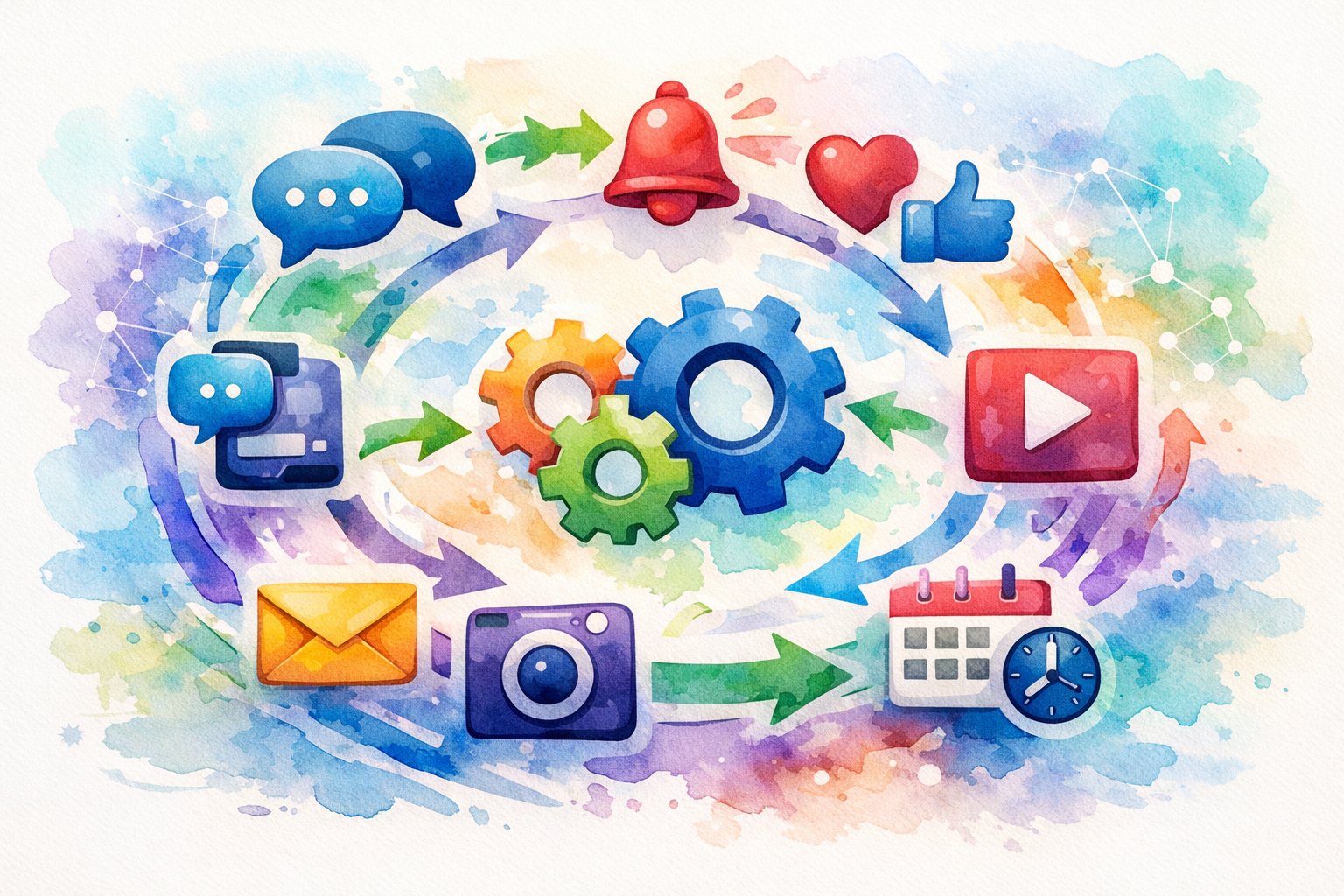
Social media workflow automation uses tools and systems to handle repetitive tasks like content planning, scheduling, and performance tracking. This helps teams reduce manual work while keeping content clear and consistent. Automation connects different steps in social media marketing, from creation to customer support. It saves time and improves productivity for social media managers and digital marketers.
Social media workflow automation is the process of using software to streamline and connect all social media tasks. It includes everything from content creation to publishing, engagement, and analysis. The goal is to reduce the need for manual work and human input for routine actions.
This kind of automation does more than just schedule posts. It organizes tasks such as managing feedback, automating responses for customer support, and tracking campaign performance. By linking these steps into one system, it creates a smoother, faster operation that helps teams be consistent across platforms.
Social media managers and digital marketers gain several advantages from automation. It reduces the time spent on repetitive jobs like uploading posts or gathering analytics data. This allows them to focus more on strategy and creative content creation.
Automation also helps maintain a consistent brand voice and message across channels by minimizing human error. Faster workflows mean teams can respond to trends or customer needs more quickly. Additionally, automation tools often include reporting features that offer clear insights into what works, helping marketers improve performance and engagement continuously.
Many daily social media tasks are perfect for automation. These include:
Tools like Canva automate design tasks, while others handle post distribution or customer interactions. Automating these tasks saves hours of manual labor and helps scale social media marketing efforts efficiently without losing quality or control.
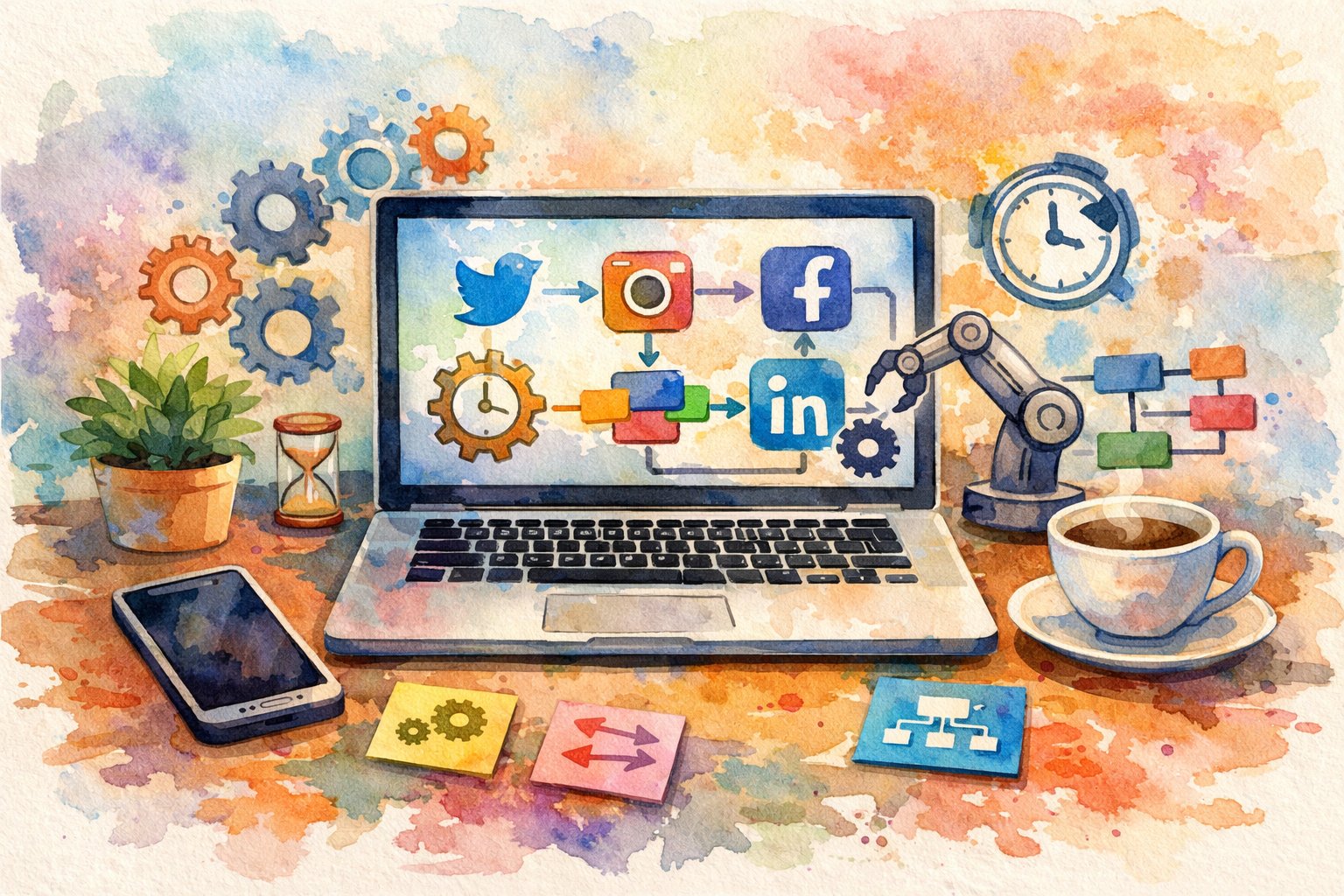
Efficient social media workflow automation relies on choosing the right tools that combine scheduling, content creation, and multi-platform management. These tools help users save time, maintain consistency, and engage audiences effectively across channels.
The market includes many social media automation platforms designed for different needs. SocialBu stands out for its strong AI integration and affordability, making it ideal for agencies and small businesses. Sprout Social targets enterprise teams, offering advanced analytics and social listening at a higher price point. Buffer is best for users wanting simplicity with easy scheduling at a low cost.
Other notable tools include Hootsuite for its wide integrations and customizable dashboards, Agorapulse for strong social inbox management and ROI reporting, and Sendible, which supports multi-client workflows suited to agencies. Visual-centered brands may prefer Later for Instagram and Pinterest planning. Platforms like MeetEdgar automate content recycling, maintaining a steady posting schedule with less effort.
Modern social media automation software often includes AI writing assistants and content generators. These features help users by producing post ideas, captions, and images quickly. For example, SocialBu integrates AI deeply, allowing users to overcome creative blocks and automate content queues seamlessly.
AI assistants are designed to speed up content workflow by generating drafts or suggesting relevant hashtags and keywords. This reduces the time spent on brainstorming and manual creation. However, some platforms like Buffer have more basic AI tools, focusing on straightforward post writing rather than full content creation. Users should select tools with AI capabilities that match their content demands and complexity.
Centralized scheduling and automatic posting are critical for managing social media efficiently. Platforms like Hootsuite and Zoho Social enable publishing across multiple networks from one dashboard, saving users from logging into each account separately.
Multi-platform tools also offer features like drag-and-drop calendars and content queues to organize posts. Auto-publishing features can schedule posts at optimal times or trigger based on specific rules. SocialPilot and CoSchedule support team collaboration within these workflows, making it easier to review and approve content before publishing.
Effective multi-platform automation ensures a consistent presence across channels without overwhelming users, allowing more time to focus on engagement and strategy.
A well-organized social media workflow saves time and improves consistency. By managing content effectively and using team collaboration tools, you ensure every post is timely, approved, and aligned with your strategy. Leveraging calendars, scheduling tools, and approval processes enhances both planning and execution.
A unified content calendar combines all social media posts, campaigns, and marketing activities into a single view. It helps teams see what content is planned, due dates, and publishing dates across platforms. Using a drag-and-drop calendar simplifies adjustments and rescheduling.
This calendar integrates a content library or media library, keeping all assets in one place for easy access. It ensures no posts are missed and aligns social media efforts with broader marketing goals. The unified marketing calendar also supports transparency among team members, reducing overlaps and errors.
Bulk scheduling allows users to upload multiple posts at once for different channels. This feature saves time by automating post distribution over days or weeks. Content queues organize posts in order, ensuring a steady flow of new material without manual intervention.
Automated scheduling tools often offer customizable posting times to match audience activity peaks. Teams can plan months ahead, avoid last-minute rushes, and maintain a constant social media presence. Bulk scheduling paired with content queues maximizes efficiency and audience engagement.
Approval workflows provide structured steps to review and approve content before publishing. These workflows improve content quality and ensure brand standards are met. Using collaborative workflow tools, teams can leave comments, request changes, and track approval stages.
Team collaboration tools support multiple roles, from creators to managers, facilitating smooth communication. Automated notifications keep everyone updated on pending tasks. This system reduces errors, speeds up content delivery, and strengthens coordination across departments.
Effective social media workflow automation relies on data-driven insights, smart scheduling, and rich content management. It also demands seamless integration of tools and cost-effective scaling methods to maintain strong performance and strategic growth.
Analytics are the backbone of informed social media strategy. Automated reporting tools collect data on key metrics like engagement, reach, clicks, and conversions. This allows teams to measure social media performance and adjust campaigns based on real-time insights.
Automated reports save time by compiling data across platforms into clear dashboards. These dashboards deliver actionable information, such as identifying high-performing posts or spotting declines in follower interaction. Integrating sentiment analysis and competitor analysis adds depth, revealing how audiences feel and how a brand stacks up.
Regularly reviewing ROI from social media campaigns helps prioritize efforts and budget. Automation in reporting supports ongoing optimization without manual data crunching, enabling teams to respond faster and plan ahead with confidence.
Scheduling posts at the best times increases visibility and engagement. Social media automation platforms often analyze audience behavior to suggest optimal posting times on channels like Facebook, TikTok, or YouTube. Posting when followers are most active maximizes reach and click-through rates.
Social listening tools monitor conversations, trends, and sentiment across social media. They track brand mentions, competitor activity, and emerging topics. This real-time awareness informs content strategy and customer service.
By integrating social listening with workflow automation, teams can respond promptly to issues or capitalize on trending moments. It also aids in influencer identification and evaluation, helping brands engage meaningfully with communities and social CRM.
Discovering relevant content keeps feeds fresh and engaging. Automation tools can explore trending topics and recommend posts or articles for curation. Curated content supplements original materials while maintaining brand voice.
Recycling evergreen content extends the life of successful posts. Automated systems schedule repurposed content to save time and maintain consistency without overwhelming followers. This approach supports ongoing content marketing, balancing promotions and organic engagement.
Best practices include tagging assets for easy retrieval and using templates to streamline creation. Bulk scheduling options help teams maintain steady posting rhythms across multiple platforms.
Choosing the right tools depends on how well they integrate with existing systems like social inboxes, CRM platforms, or analytics software. Unified inboxes and smart inbox features consolidate messages from multiple channels, improving customer support efficiency.
Pricing varies by service features, team size, and platform access. Some tools offer scalable plans to grow alongside business needs, allowing phased automation increases. It is important to evaluate service costs against expected ROI.
Scaling automation involves expanding campaigns to new platforms or audiences while preserving quality. Workflow systems enable this without losing control by automating repetitive tasks and streamlining collaboration across teams. This ensures social media campaigns remain effective and adaptable.
Automation tools vary in features like post scheduling, analytics, and team collaboration. Optimizing workflows often involves clear templates and fine-tuning task sequences. Bots need careful setup to balance automation with authentic interaction. Free tools can offer many functions but usually with limits. AI adds smarter content creation and better data analysis. Open-source platforms give flexibility but require more setup and management.
Effective tools combine scheduling, analytics, content creation, and team collaboration in one platform. Buffer is widely used because it supports multiple social networks, has a simple interface, and offers built-in AI features for content. ManyChat works well for automating customer conversations through chatbots. Tools like Raindrop help save content ideas quickly.
A good template breaks down tasks into repeatable steps, such as idea collection, content creation, scheduling, and analytics review. Clear workflows reduce back-and-forth and missed steps. Using tagging or categories to organize content ideas helps speed up batch creation. Setting automatic reminders and approvals in team tools keeps work moving smoothly.
Bots should handle simple tasks like replying to FAQs or directing users to resources. It is important the bot responds quickly and feels natural without being overly robotic. Bots must be monitored and updated regularly to avoid mistakes and meet changing customer needs. Using bots alongside human responses maintains a good balance of efficiency and engagement.
Buffer’s free plan supports basic scheduling across multiple platforms and provides some analytics. Canva offers free templates for quicker content design. ManyChat offers a free tier for simple chatbot workflows. While free tools provide solid basics, businesses often need paid plans for full functionality and team collaboration.
AI helps create captions, suggest hashtags, and generate content ideas based on trends. It also analyzes data faster to identify what type of posts perform best and when to publish. AI tools reduce routine work but still require human oversight to keep content relevant and authentic.
Open-source options like Huginn allow users to build custom automation agents for tracking mentions and scheduling posts. These platforms offer flexibility but need more technical skill to set up and maintain. They are ideal for teams with developer resources looking for tailored control over their workflows.

Explore expert tips, industry trends, and actionable strategies to help you grow, and succeed. Stay informed with our latest updates.

September 2, 2026
They were getting hundreds of comments a week and replying to about 40 of them. This case study covers what changed when Superpower stopped letting the rest go unanswered.
.jpg)
August 5, 2026
Respondology starts at $30-40k/year. Here's how it compares to Superpower for brands that want the same managed comment moderation without the enterprise overhead.

Block toxic comments automatically, respond at scale, and keep your brand safe in real time.